How to Sign Up at EmberBet Casino
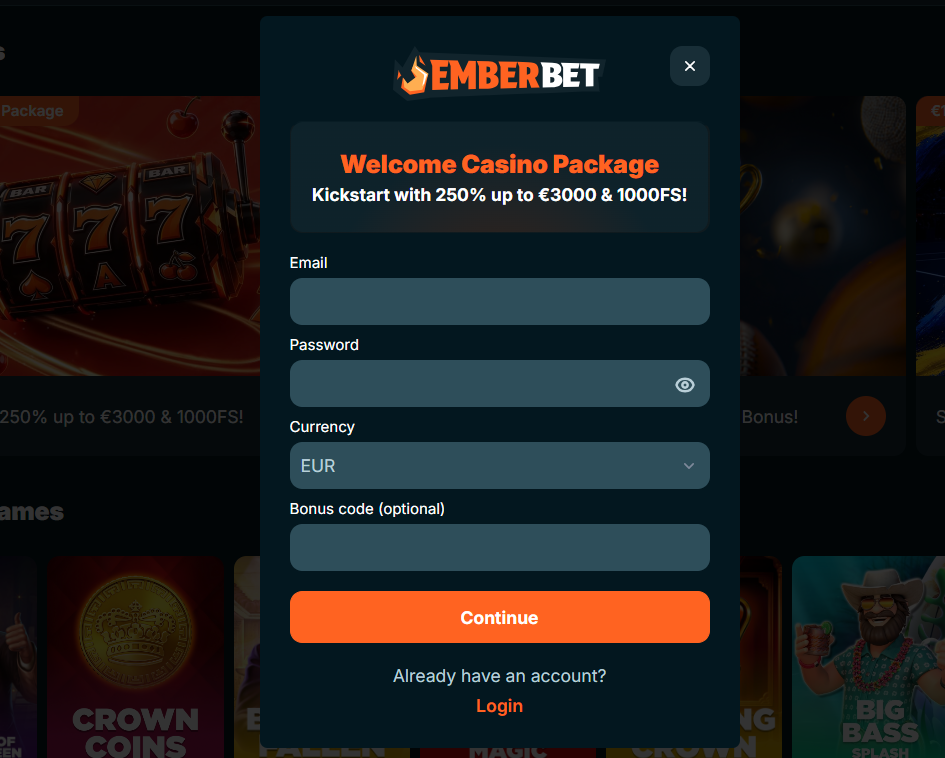
Signing up at EmberBet Casino begins with a click on the register button in the top right corner of the homepage. On mobile devices the button opens through the main menu icon. The form itself is short and asks for the basic details needed to create the account, verify age and set up the cashier. Account currency, in particular, is fixed at the sign-up stage and cannot be changed afterwards, so it is worth choosing the currency that matches everyday spending or the preferred cryptocurrency wallet from the start.
The EmberBet Casino registration steps in order:
- Open the sign-up form from the register button on the homepage
- Enter an active email address and create a secure password
- Add personal details including full name, date of birth and residential address
- Choose the account currency from the supported list — this selection is locked after confirmation
- Confirm acceptance of the terms and conditions and age 18 or above
- Click the verification link sent to the email address on file
- Log in with the new credentials and open the cashier to make a first deposit
EmberBet Casino KYC Verification
Identity verification, also known as KYC, is a standard part of any regulated gaming platform and applies at EmberBet Casino as well. The purpose is to confirm the account holder's identity, age and address, and to make sure the payment method being used belongs to the same person. Completing EmberBet KYC at registration rather than at withdrawal removes any waiting time when the first cashout request is submitted, since documents are already on file and reviewed by the compliance team. Most checks complete within 24 to 72 hours of the final document being uploaded.
Documents typically requested during EmberBet Casino KYC verification include:
| Document | Purpose | Common requirements |
| Photo ID | Confirm identity and age | Passport, driving licence or national ID, all corners visible, not expired |
| Proof of address | Confirm residential address | Utility bill or bank statement issued in the last three months |
| Payment method proof | Confirm method ownership | Card image with middle digits masked, or e-wallet screenshot showing name |
EmberBet Casino Login and Password Recovery
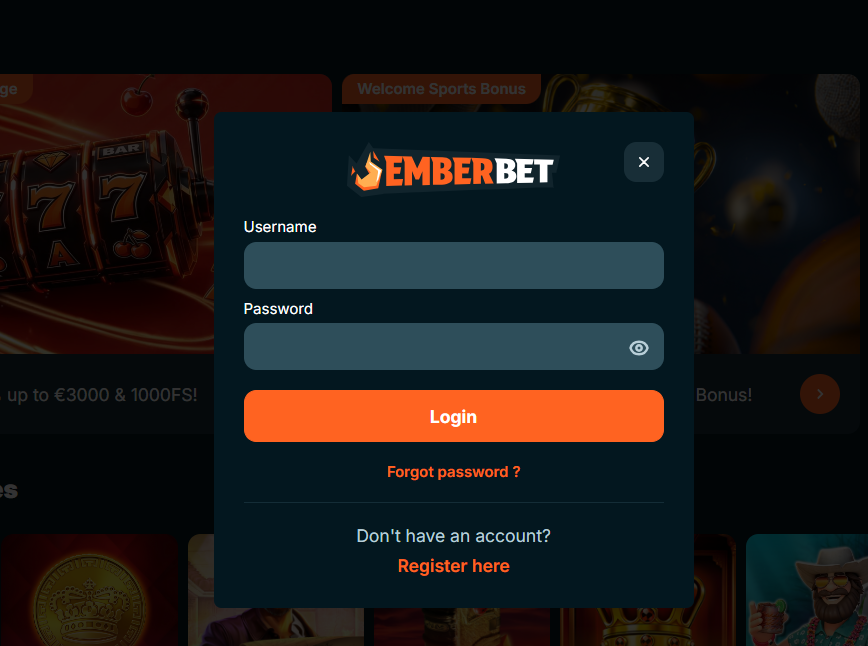
Existing players reach the EmberBet Casino login screen through the login button on the homepage, which looks identical on desktop and mobile. Entering the registered email address and password opens the account area, from which the cashier, game lobby, promotions and settings are all one tap away. The EmberBet login process also accepts either spelling of the brand — EmberBet or Ember Bet — since both variations route to the same account. For added security, two-factor authentication can be enabled in the account settings, adding a one-time code from an authenticator app to each login.
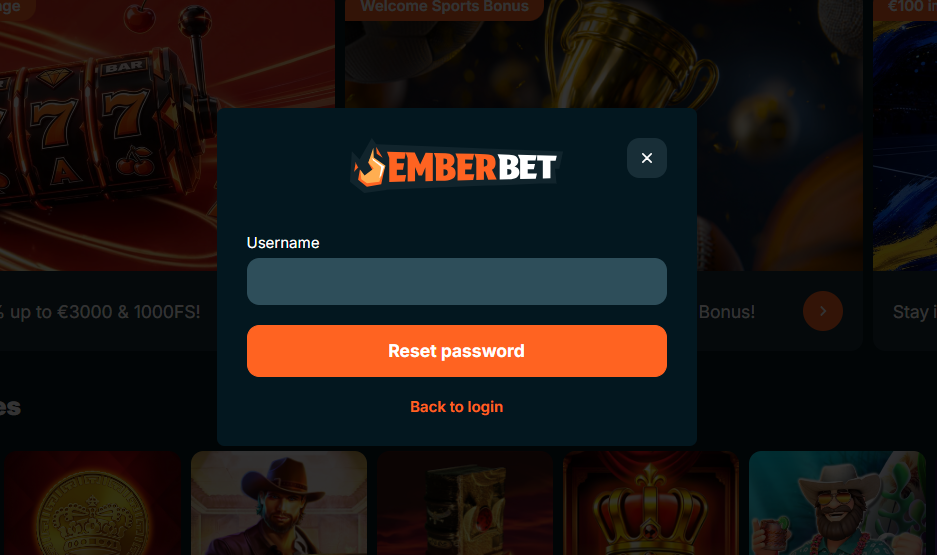
Anyone who has forgotten a password can request a reset by clicking the forgot password link on the login form. A reset link is sent to the registered email address and remains valid for a short window, after which a new request must be made. Password resets carried out on public or shared devices should be avoided, and each new password should be unique to the EmberBet Casino account rather than reused from another service.
| CRITERION | EMBERBET | CASINACHO ★ |
|---|---|---|
| Game catalogue | 8,000+ games | 7,500+ titles |
| Live casino | Live dealer tables | 400+ Evolution tables |
| Welcome offer | 100% up to £600 + 200 FS | £3,000 + 200 spins |
| Bonus wagering | fair wagering | Lighter requirements |
| Crypto payouts | Cards & crypto | Fast crypto payouts |
| Sports betting | Full sportsbook | Casino-focused |
Common EmberBet Casino Registration Issues
Most sign-ups run through without difficulty, but a small number of players encounter friction along the way. The most frequent issues have straightforward fixes and do not usually require support contact:
- Verification email not received — the message occasionally lands in a spam or junk folder. Whitelisting the sender domain and clicking resend on the login screen solves this in most cases.
- Currency selected in error — because account currency is locked after registration, changing it requires the current account to be closed and a new one to be opened, which the support team can page.
- Document upload rejected — usually caused by blurred images, cropped corners or expired documents. Re-uploading a clearer version in good lighting resolves this quickly.
- Age or address mismatch — the details entered in the sign-up form must match the identity documents exactly, so any typos should be corrected before uploading.
After Registration at EmberBet Casino
Once the EmberBet Casino account is created and verified, the full platform opens up. Any active welcome offer becomes available on the first qualifying deposit, and the mechanics of every current promotion, including free spins and cashback returns, are detailed on the EmberBet bonus page. Mobile players who prefer an app-like shortcut can install the site as a Progressive Web App using the setup covered on the EmberBet app page. From the account area, players can manage deposit limits, cooling-off periods, session reminders and other responsible gambling tools at any time.
Actions available immediately after the EmberBet Casino register step is complete include:
- Opting into the welcome package on the first qualifying deposit
- Setting deposit limits and other responsible gambling controls
- Adding a preferred payment method to the cashier for faster future top-ups
- Enabling two-factor authentication from the security settings
- Installing the site as a Progressive Web App shortcut on mobile